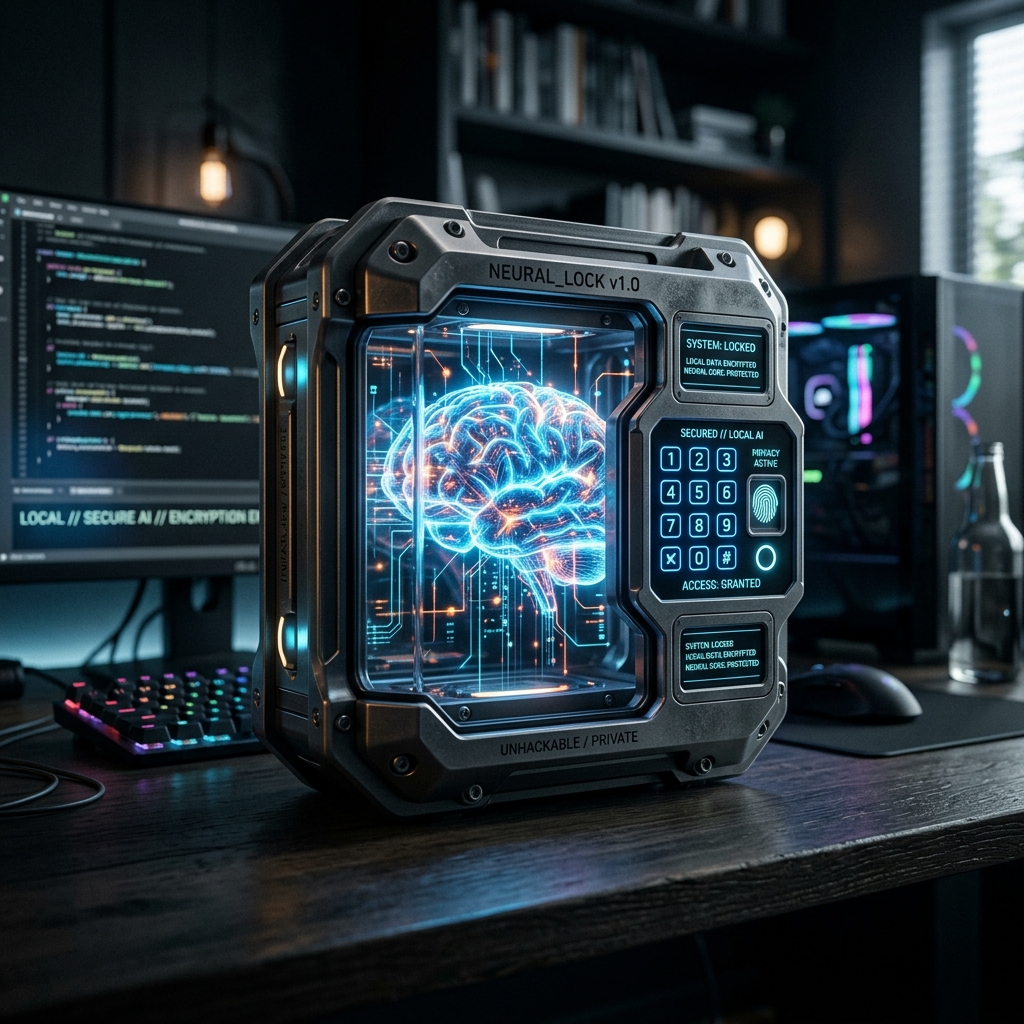
Reclaim your digital privacy. This comprehensive guide details how to setup a 100% off-grid 'Sovereign Node' using lightweight models, guaranteeing unhackable productivity workflows for modern workers.
Are you tired of pasting sensitive client data into web interfaces governed by opaque privacy policies? Welcome to 2026, where the "Sovereign Node" movement has officially gone mainstream. In this comprehensive guide, we will walk you through building your own unhackable, 100% local, and blazing-fast personal AI assistant ecosystem.
Why Go Local? The End of Cloud Dependency
In the past, the barrier to local AI was expensive GPU hardware. Today, thanks to heavy quantization algorithms (like GGUF formats) and incredibly optimized open-source tools, any standard laptop built in the last three years can comfortably run a highly capable 8B or 14B parameter model.
The benefits of a Sovereign Node are profound:
- Absolute Privacy: Your accounting spreadsheets, intimate personal journals, and proprietary code arrays never touch the internet. They stay on your physical drive.
- Zero Latency & Zero Cost: There are no API rate limits preventing you from researching heavily, no monthly $20 subscription fees, and token generation is virtually instantaneous.
- Deep OS Integration: Local agents can be granted direct file system access, seamlessly sorting your documents, renaming files, and monitoring your local servers in real-time.
Step 1: Setting Up the Neural Engine (The Brain)
First, we need to establish the brain of your operation. You want an environment that downloads, runs, and serves the models to your applications.
Download the latest release of Ollama or [REVIEW:lm-studio]. Once installed, spinning up a state-of-the-art model is as easy as opening your terminal and typing:
ollama run mistral-nemo (A highly efficient 12B model)
or ollama run llama4:8b (The latest agentic reasoning engine).
Ollama will automatically allocate your VRAM and regular RAM to ensure maximum generation speed without overheating your machine.
Step 2: Securing Your Agent Framework (The Hands)
Microsoft AutoGen
AutoGen offers an elegant toolkit for orchestrating intricate agent collaborations, transforming complex task resolution into a surprisingly structured dialogue.
Crucial Security Tip: When setting up your frameworks, navigate to the Agent Settings and rigorously enable the "Strict Sandbox Mode" (usually backed by a lightweight Docker container). This ensures that even though the AI has access to your files, it cannot execute destructive terminal commands (like rm -rf) without an explicit human authorization pop-up on your screen.
Step 3: Feeding Your Private Data (RAG)
To make the agent useful, it needs to know your life. Use a local vector database tool to create a RAG (Retrieval-Augmented Generation) pipeline. You simply point the framework to your Documents folder. The system will convert your PDFs, Word docs, and txt files into embeddings. Now, when you ask your local agent a question, it reads your actual files to formulate the answer.
Step 4: Creating Your First Autonomous Workflow
Let's build a classic: The Daily Briefing Executive. Within your visual framework, create three connected agents:
- The Email Scraper: Provided with read-only IMAP access to your local mail client database, it parses all incoming messages from the last 24 hours.
- The Calendar Manager: Takes those emails and cross-references them with your local calendar application to find scheduling conflicts.
- The Summarizer: Takes the raw data from the first two agents to generate a crisp, two-paragraph markdown summary of what you absolutely must do today.
The Future is Sovereign
By keeping the entire pipeline on your SSD, you achieve an operational speed and peace of mind that cloud-based competitors can only dream of. Building an unhackable local agent workflow isn't just about data privacy anymore; it's about reclaiming your digital sovereignty and unlocking a highly personalized productivity machine that truly understands your unique environment. Welcome to the off-grid AI revolution.